01
Checked before you see it
On paid plans the Critic reads each draft for invented facts, unsupported claims and copied sentences.
AI social media approval
Cadencz writes your week of posts, a second agent checks them for invented facts, and each one waits in your queue for an edit, a rewrite or a yes.
On paid plans the Critic reads each draft for invented facts, unsupported claims and copied sentences.
Approve, edit, skip or delete each card. Nothing is scheduled until you approve it.
An approved post takes its planned slot, or stays a draft if you want to time it yourself.
A post that fails keeps its copy and the platform's error, and you can send it again.
On Starter and above, every draft from Plan My Week goes through a second agent, the Critic, before it reaches you. The Critic does not rewrite anything. It lists at most three problems and marks each one hard or soft.
Hard problems send the draft back to the writer with the notes: a fact or number the sources do not support, a sentence reused from posts you have already published, a banned word (including any you added yourself), copy that pitches the product, or a post over the channel's character limit. The writer gets one more attempt by default. Soft problems, like a weak hook, a generic opening or an off tone, are not sent back. They are attached to the draft as notes for you.
If a hard problem survives the second attempt, the draft still reaches your queue, with the problem written on it. On Free there is no Critic, and you see the first draft.
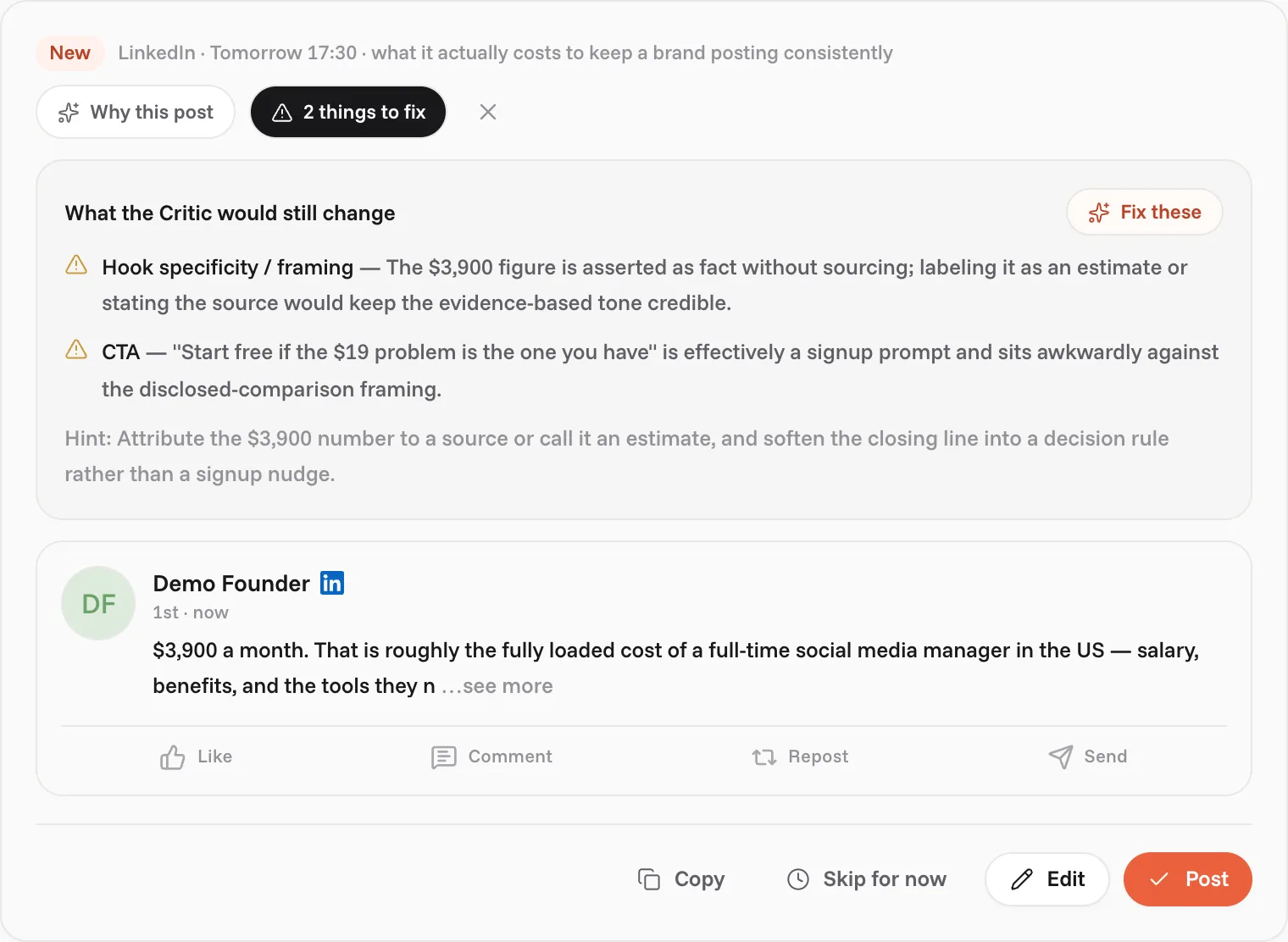
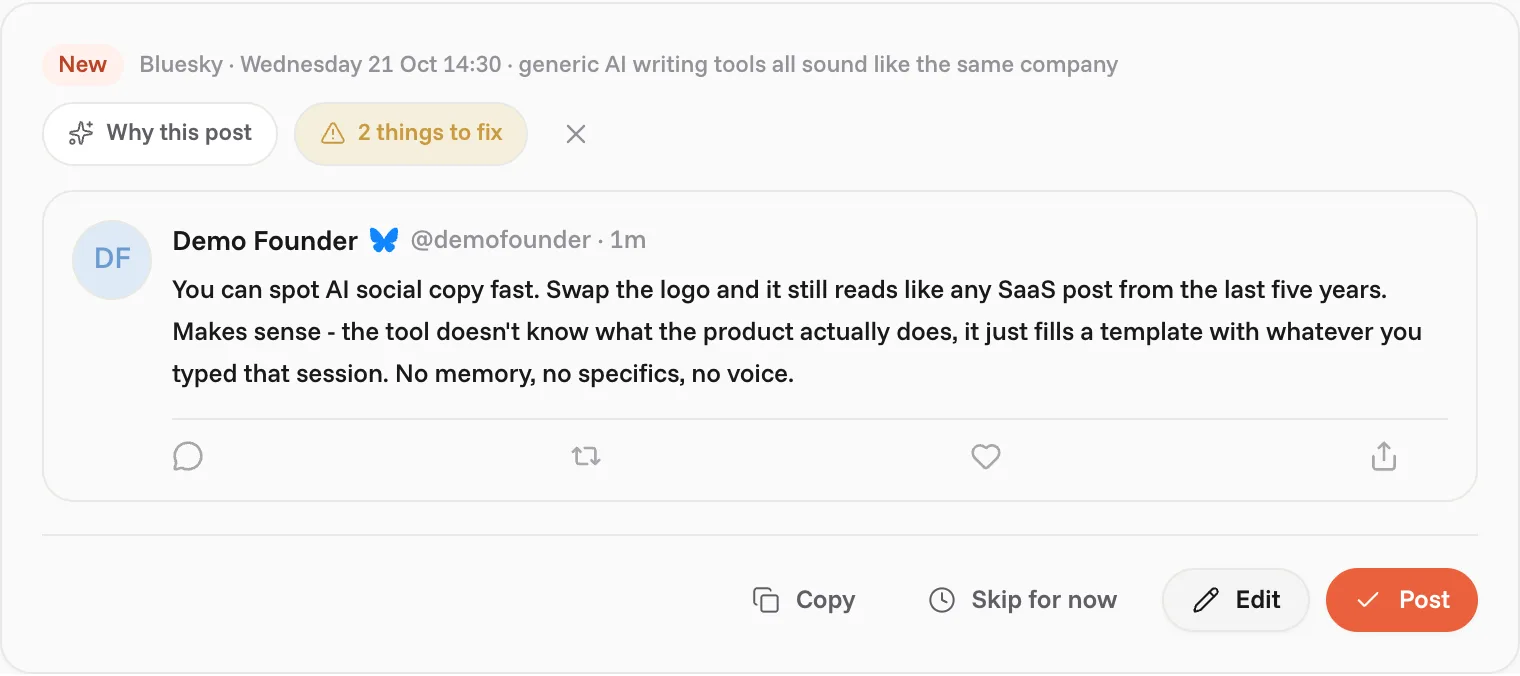
The week is dealt as a deck of cards, one post at a time. For each one you can approve it, edit the text, skip it for now, or delete it. On paid plans, "Fix these" sends the Critic's notes back for a rewrite, which uses one AI generation. The Critic does not read the rewritten copy again, so the card says it was rewritten since the Critic's read, and the final check is yours.
Approving puts the post into its slot on your calendar. If you would rather pick the time, approve it as a draft and schedule it from the queue. There is no approve-all button. That is deliberate, but it does mean a week of seven posts is seven decisions.
If you want to run the same review without software, the AI social media approval workflow has a checklist you can use in a doc or a spreadsheet.
On Starter and Pro there is one seat, so the person who writes is the person who approves. Team adds 3 seats and Growth 5, with two roles. The owner handles billing, workspaces and invites. A scheduler can write, edit, schedule and approve posts, and can connect channels or use the MCP server only if the owner grants that.
There is no client portal, no approval chain with several sign-offs, and no record of why a post was deleted. If a client or a legal team has to sign off outside the app, use a suite built around approval chains.
An approved post moves from scheduled to queued to publishing to published. You can still edit or reschedule it until it is queued for sending.
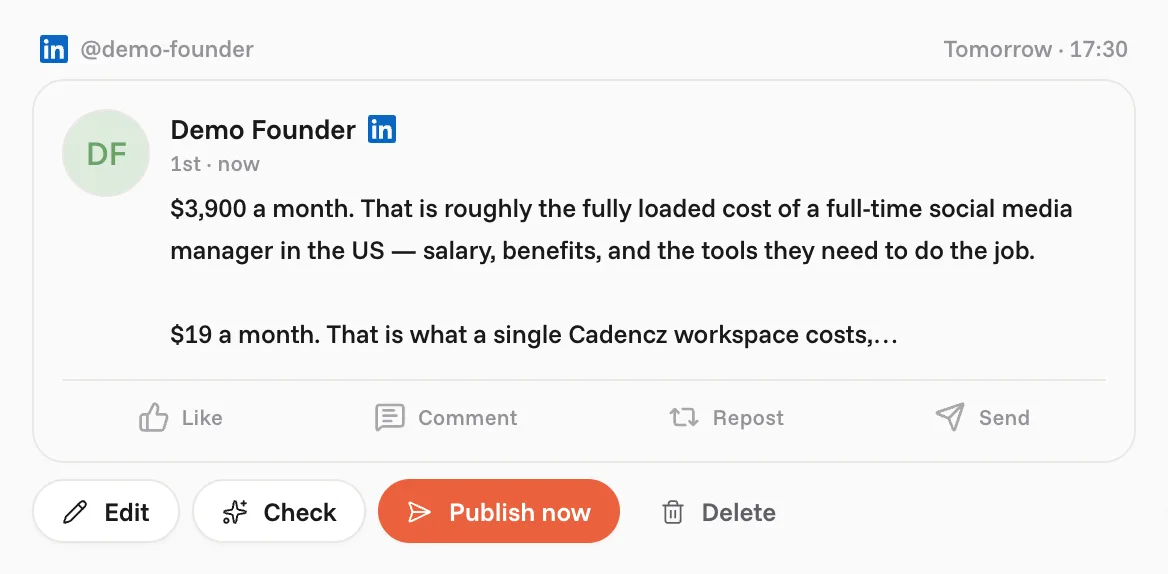
If the platform returns a temporary error, Cadencz tries again up to 6 times, waiting 15 minutes at first and up to 4 hours between later attempts. Some errors are not worth retrying: an expired connection, or text the platform will never accept. Those fail at once, the channel shows Reconnect where the cause is the connection, and the workspace owner gets an email. The failed post stays in Upcoming with the platform's error and its copy intact, and you can edit it, reschedule it, or press Publish now.
Questions
Yes. Posts written by Plan My Week wait in your queue until you approve them. Nothing the agents write is scheduled or published without that.
No. Approval happens inside your Cadencz workspace, by the owner or an invited scheduler. There is no outside sign-off link.
No. Posts are approved one at a time. A week of seven posts is seven decisions.
Drafts with unsupported facts or numbers, sentences reused from your published posts, banned words, product pitches, or text over the character limit. Weaker hooks and tone are left as notes for you instead. The Critic is on Starter and above.
Temporary errors are retried up to 6 times. If it still fails, the post stays in Upcoming with the error and its copy, and you can edit it, reschedule it or publish it now.
Plan My Week writes the drafts. You decide which ones go out.
Create my first week